
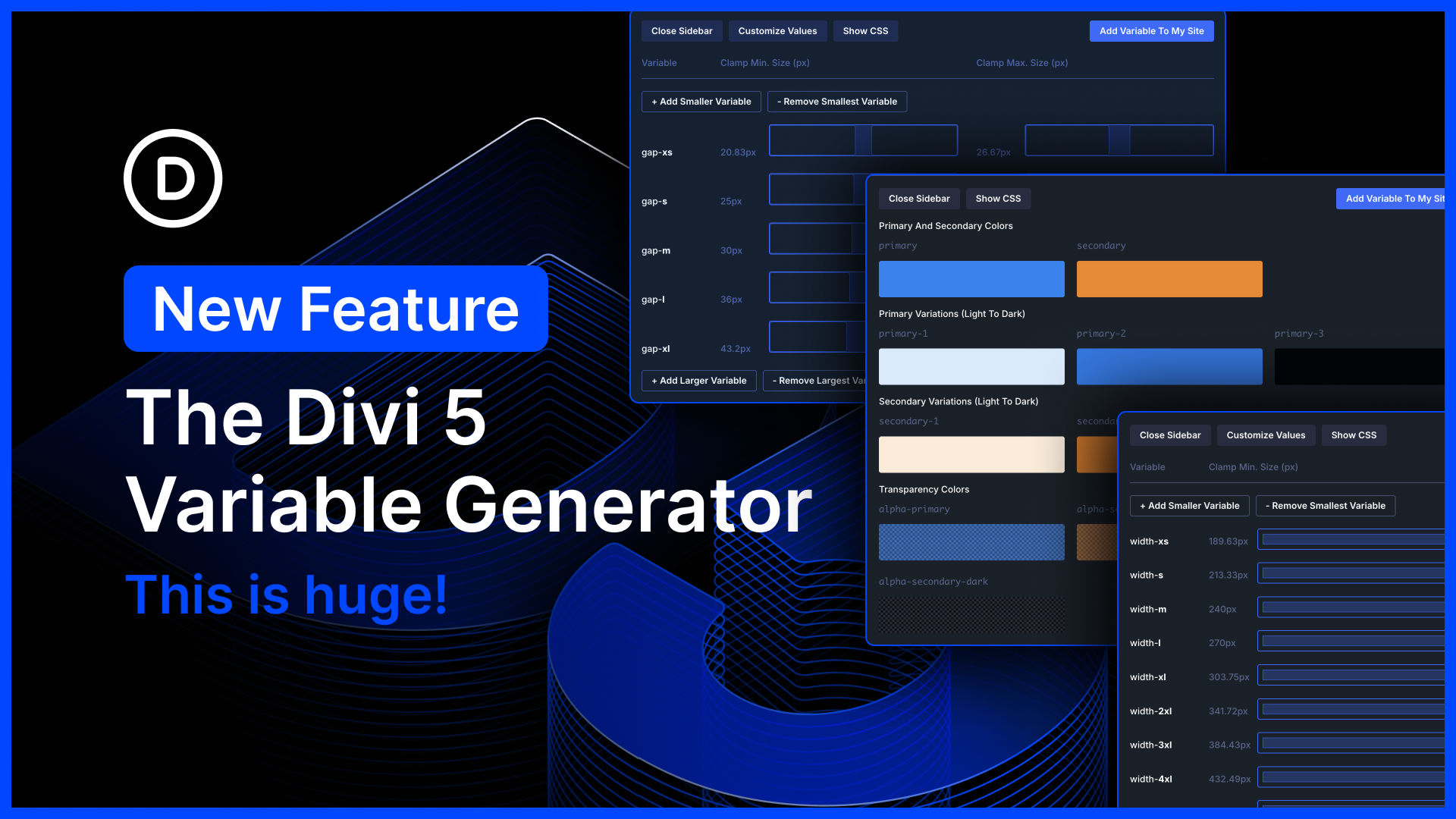
I am excited to introduce the Variable Generator for Divi 5.
At the core of Divi 5’s design system are variables and presets. With advanced units, you can create fluid, responsive sizing systems using clamp(). With relative colors, you can create mathematically beautiful color systems using HSL. When you set everything up correctly, it makes managing your website so much easier.
But, setting up all your color and number variables takes time, and learning clamp() can be intimidating.
That’s where the new variable generator comes in, allowing you to spin up an entire sizing and color variable system automatically in a few clicks. It’s easy for beginners because Divi does the work for you, but it also offers all the controls you could ever ask for, allowing CSS experts to fully customize their systems.
There’s much to explore, so let me jump into the builder and give you the full tour. 👇
Generate A Stunning Relative Color Palette
The Divi 5 color palette is global by default. Instead of creating a static color palette, each color you add is a color variable. When you use those color variables throughout your website, you can update each color once in the variable manager, and the changes apply to your entire site. That’s the beauty of variables.
What’s more, you can create color relationships using Divi’s relative color system. Instead of manually creating a set of light-to-dark shades of your primary color, you can create a relative color based on it and adjust its lightness. When you adjust the primary color, all related colors are automatically updated. The color scheme of your entire website can be adjusted based on a single color variable.
It’s simply amazing, and now, Divi does all the hard work for you!


0 Comments