
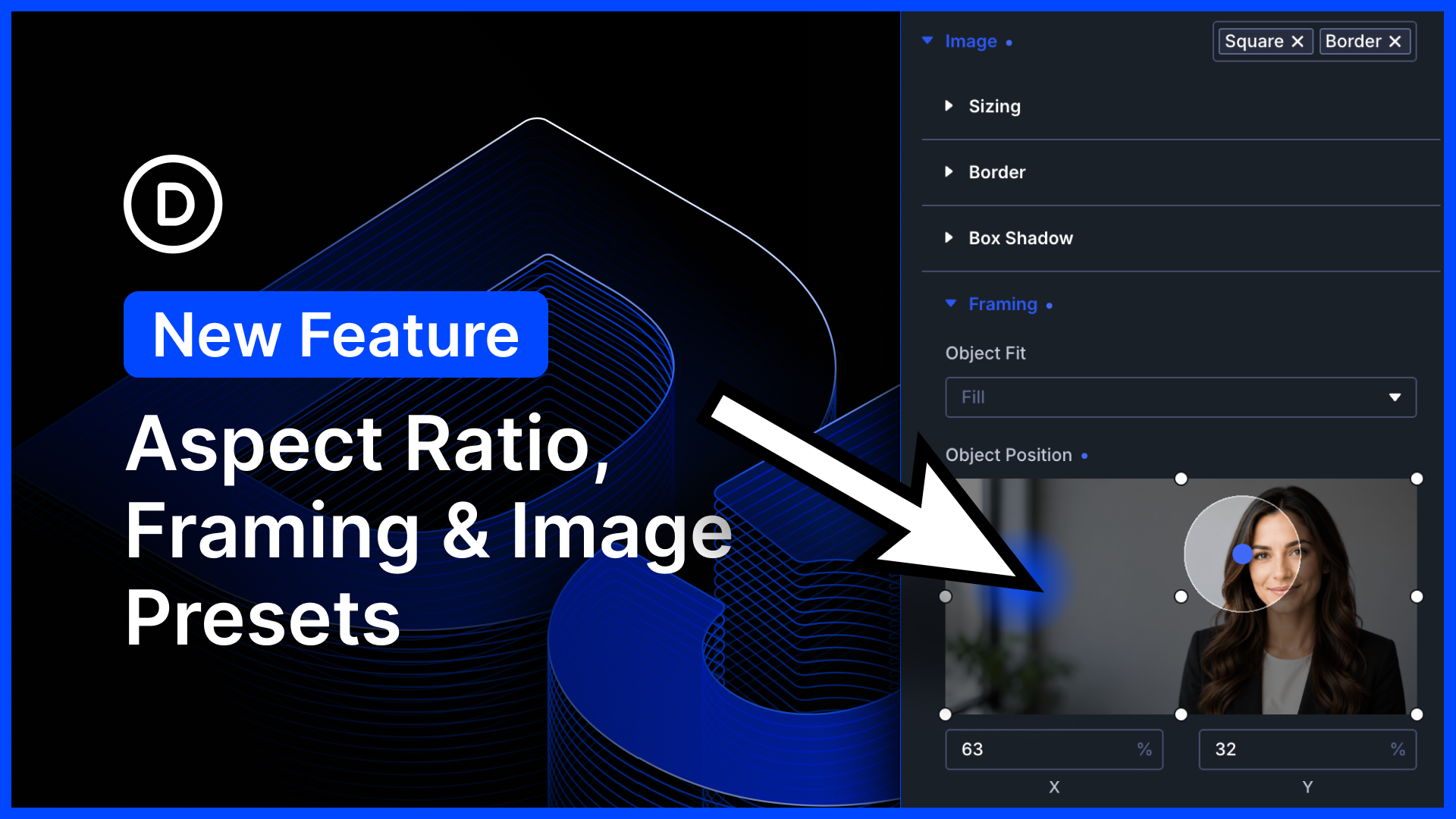
I am excited to introduce a host of new image settings for Divi 5.
First, we added new aspect ratio settings to all images. Elements with aspect ratios scale proportionally across different screen sizes.
Next, we added framing settings that allow you to reposition cropped images within a defined aspect ratio. Take any image, regardless of its size, and make it fit perfectly into your design! It’s a great way to make perfect-looking loops.
Finally, we enabled option presets for the image option group. That’s huge! Now you can manage the style of all the images in every Divi module using Divi’s preset-based design system.
There’s much to explore, so let me jump into the builder and give you the full tour. 👇
Brand New Image Settings & Preset Support
Images are a critical part of every website, and many Divi modules include image elements. You’ve probably spent a lot of time styling and cropping images for your websites, and now, Divi makes it easier than ever.

0 Comments