
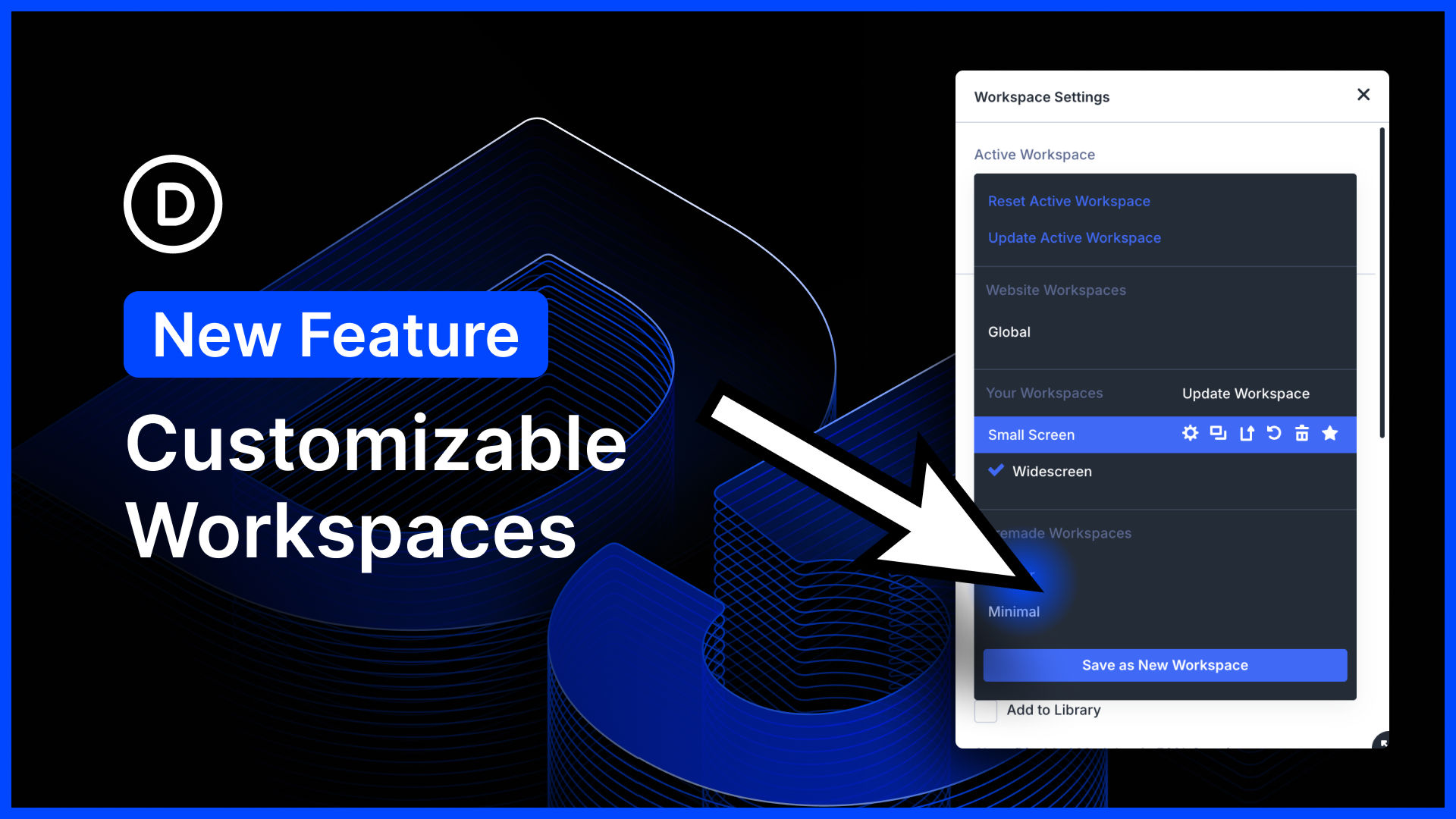
I am excited to announce customizable workspaces for Divi 5!
The Divi 5 interface is incredibly customizable. You can choose which panels are opened and closed, where they are docked, whether they are floating or in a sidebar, their size, and their position.
You can combine panels into tabbed groups. You can choose which icons are visible in the top bar. You can choose between light and dark modes, as well as various color schemes, and more!
Now, every user on your website can make the visual builder their own by creating their own collections of saved workspaces.
Create your perfect default workspace, along with alternative workspaces that you can switch to on the fly depending on what you are building, your screen size, etc.
There’s much to explore, so let me jump into the builder and give you the full tour. 👇
Customize Your Workspace
With the introduction of workspaces, every user on your website gets to customize their own building experience. Workspaces save more than just builder settings; they capture the size and position of every panel, giving you complete control.
You can create multiple workspaces for different scenarios and instantly swap between them while building.


0 Comments