
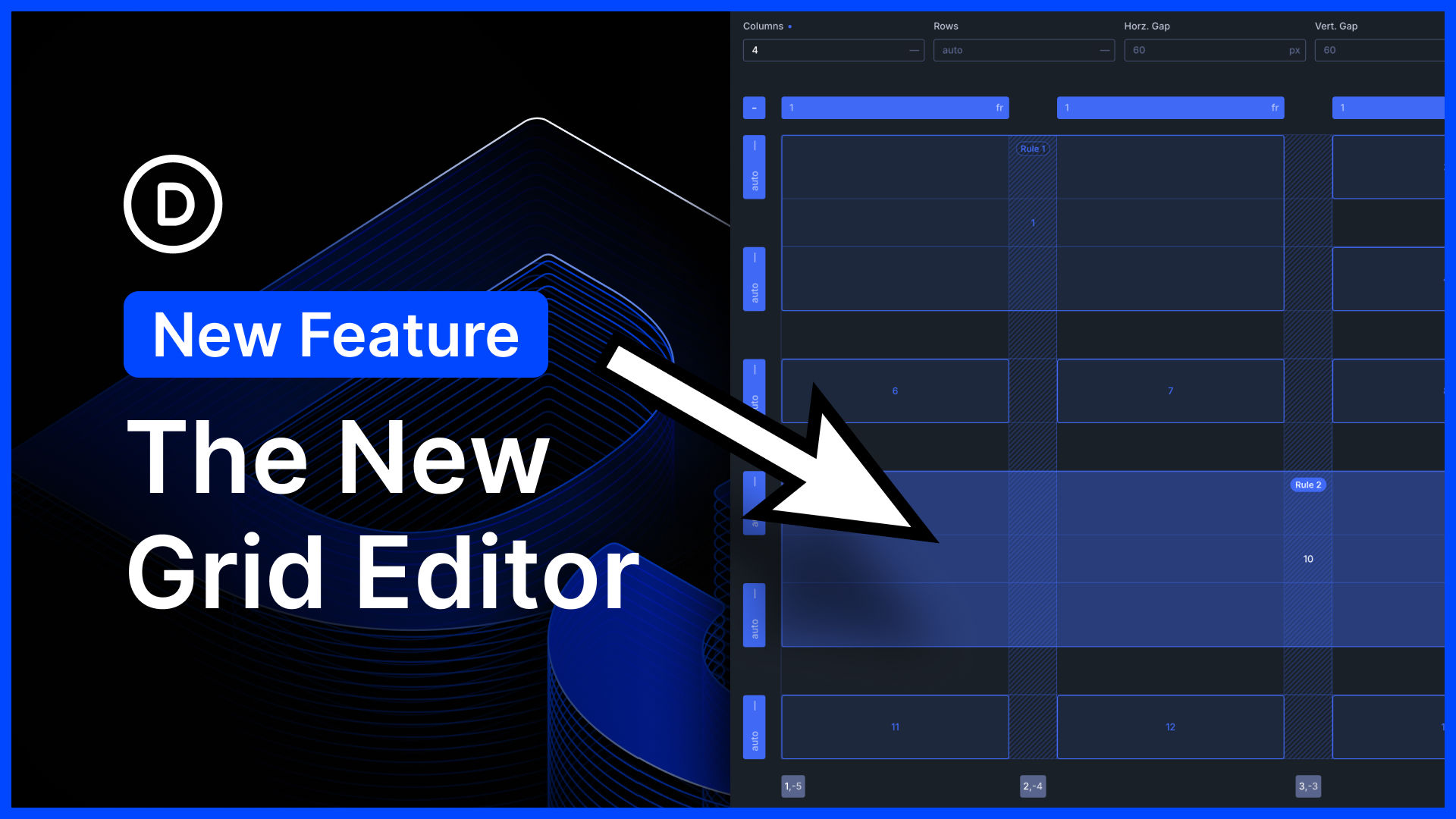
I am excited to announce the new CSS Grid Editor for Divi 5!
Divi 5 embraces CSS Grid. It comes with tons of flexible grid templates and all the options you could ever need to build every grid layout imaginable.
Today, we are taking things a step further by introducing an interface for visualizing, editing, and building advanced CSS grid layouts. It’s awesome!
Whether you’re new to CSS Grid or an experienced developer, you can use the new interface to build stunning layouts without getting lost in a maze of settings.
Furthermore, thanks to Divi 5’s unique grid offset editor, layouts built with the grid editor are housed entirely within the container, which means you don’t have to worry about editing child elements, and every CSS Grid layout built with Divi 5 works with loops.
There’s much to explore, so let me jump into the builder and give you the full tour. 👇
The New Grid Editor
When adding a container, you’ll notice a new “Build Custom Grid” option along with Divi’s premade structure templates. Additionally, whenever you set an element’s layout style to grid, you find a new “Open Grid Editor” button in the settings panel. These buttons launch the new grid editor, which lets you build new layouts and edit existing ones.
The grid editor is super informative, distilling the container’s modified grid settings and offset rules into a visual interface you can easily understand and work with.
Building Custom Grid Layouts
In the grid editor, you can configure the base grid template and then resize and reposition items on the grid.
- Drag To Resize Items – Each item has draggable anchors on its four corners, which you can use to resize an item to span additional rows and columns.
- Drop & Drop To Reposition Items – You can drag and drop items from one cell to another to reposition them on the grid.
- Drag To Adjust Gaps – Horizontal and vertical gaps are easily adjustable. Type in a specific value, or drag to adjust the gaps visually.
- Drag To Adjust Column And Row Widths – You can build your own grid templates by dragging to adjust the width and height of each row and column.
- Add Grid Items For Better Visualization – You can add as many grid items as you want, letting you visualize long, complex designs in the editor, even if the container has no child items.
- Visualize and Edit Grid Offset Rules – The grid editor highlights each offset rule, and you can see which items the offset rule affects.




0 Comments