
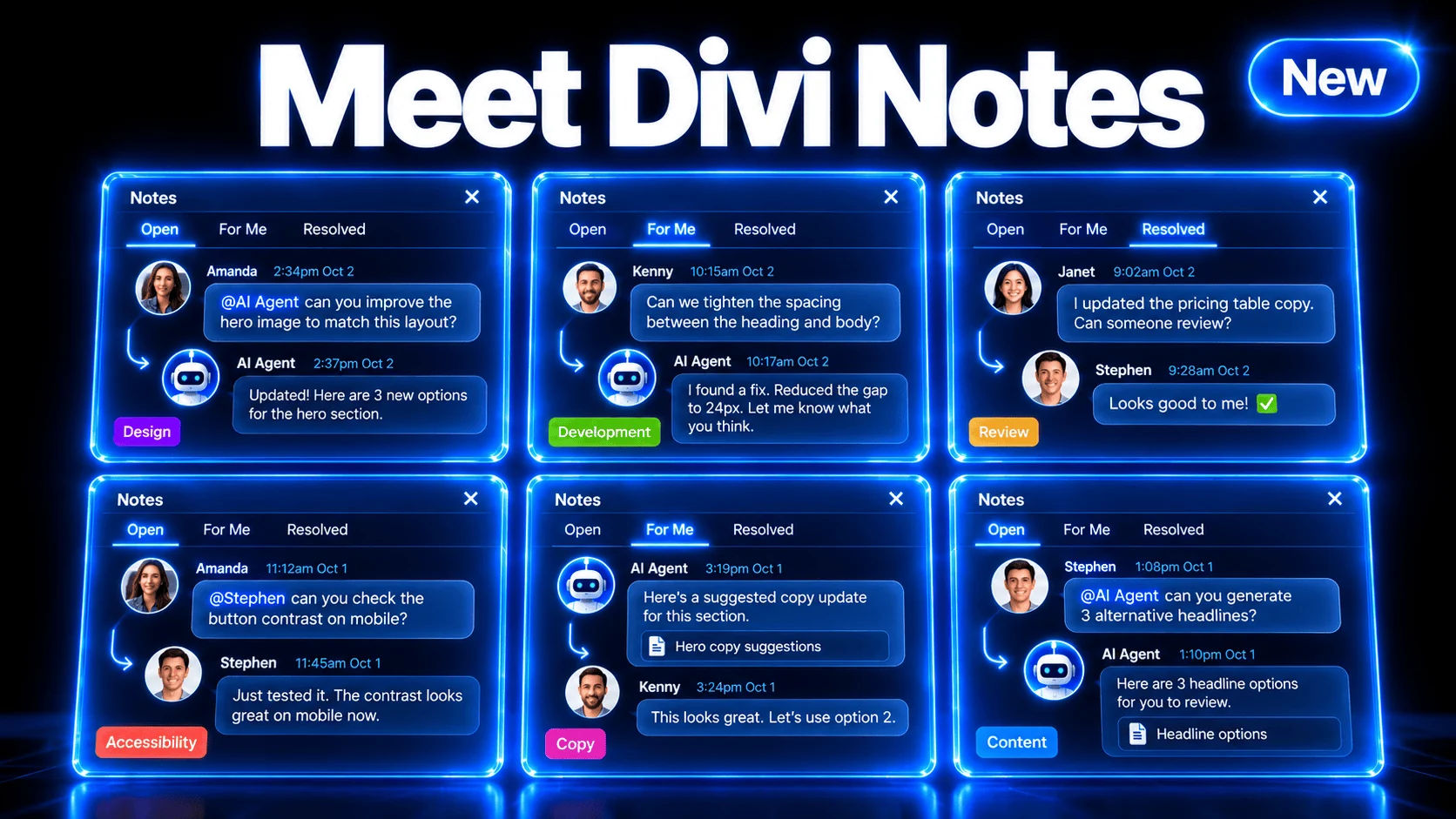
Divi Notes brings feedback, conversations, and assigned tasks directly into Divi 5. Attach a note to an element, discuss the change with your team, and resolve it when the work is complete. 🎉
It’s also a great way to leave contextual notes for yourself so you never forget a TODO.
A request to update a headline belongs beside that headline. A question about a button belongs with that button. Notes keep those conversations connected to the design, giving everyone a clearer picture of what needs attention.
You can organize feedback with categories, control your notifications, and ask the Divi AI Agent to work through tasks using the attached discussion.
Let’s take a look. 👇

0 Comments