
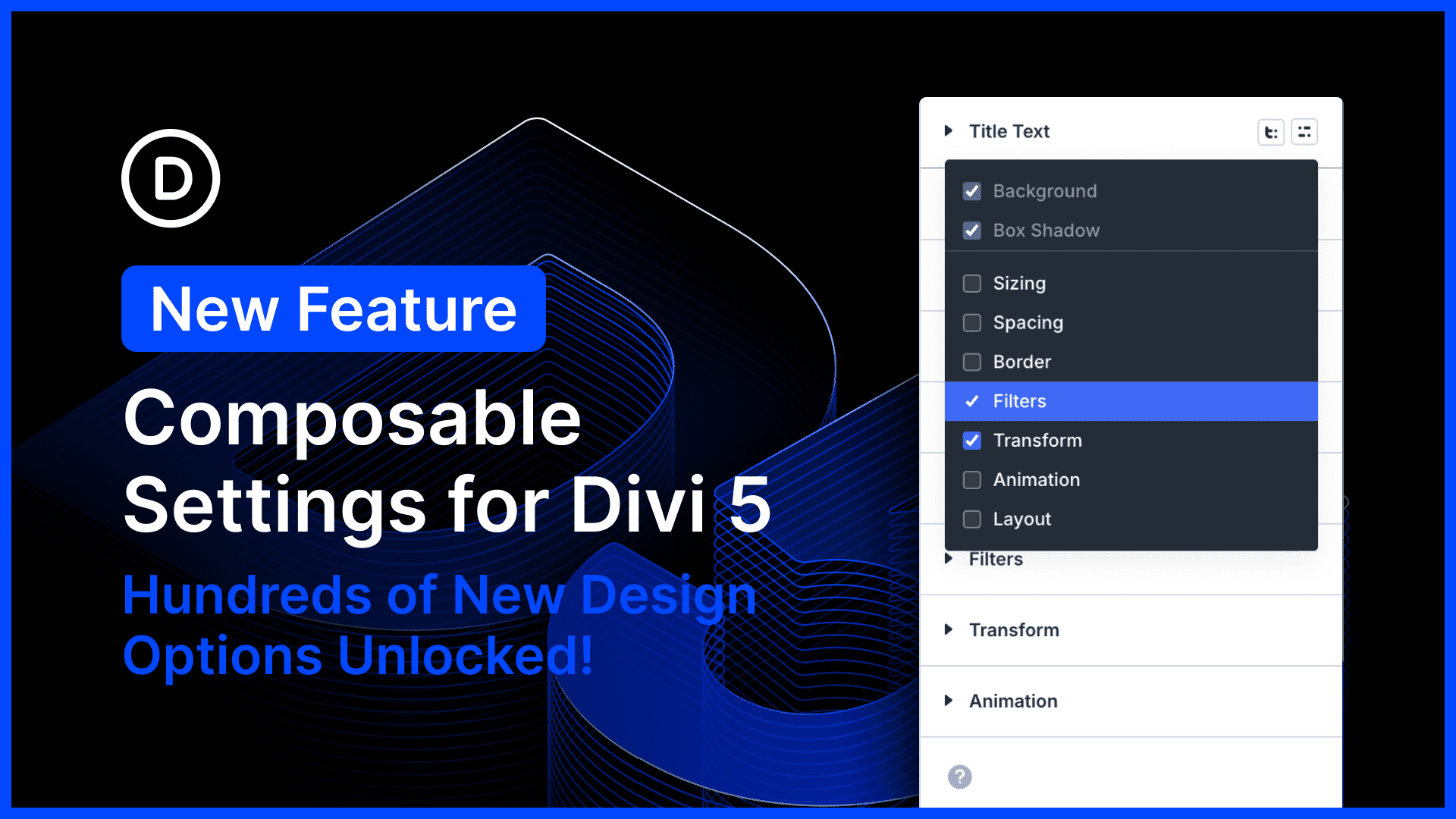
I am excited to introduce Composible Settings for Divi 5, allowing you to enable any of Divi’s design options for any module sub-element.
This update completely harmonizes the available settings for Divi modules, which means you’ll never have to use CSS to fill the gaps; enable sizing options for buttons, animation options for titles, and everything in between.
It opens up hundreds of new possibilities.
There’s much to explore, so let me jump into the builder and give you the full, off-the-cuff tour. 👇
Every Option For Every Element
Many Divi modules are comprised of nested elements. For example, the blurb modules consist of an image, title text, and body text.
Traditionally, each module sub-element has come with a suite of design options specific to that element. The title text element came with font options; that makes sense!
But Divi offers many other options: backgrounds, borders, transforms, and much more. Those could always be used to style the module wrapper, but not its sub-elements.
With Composable Settings, you can compose your own suite of design options for any sub-element, toggling on whatever you need. Add a width to your button, a border to your title, an animation to your image; there are no limits!


0 Comments