
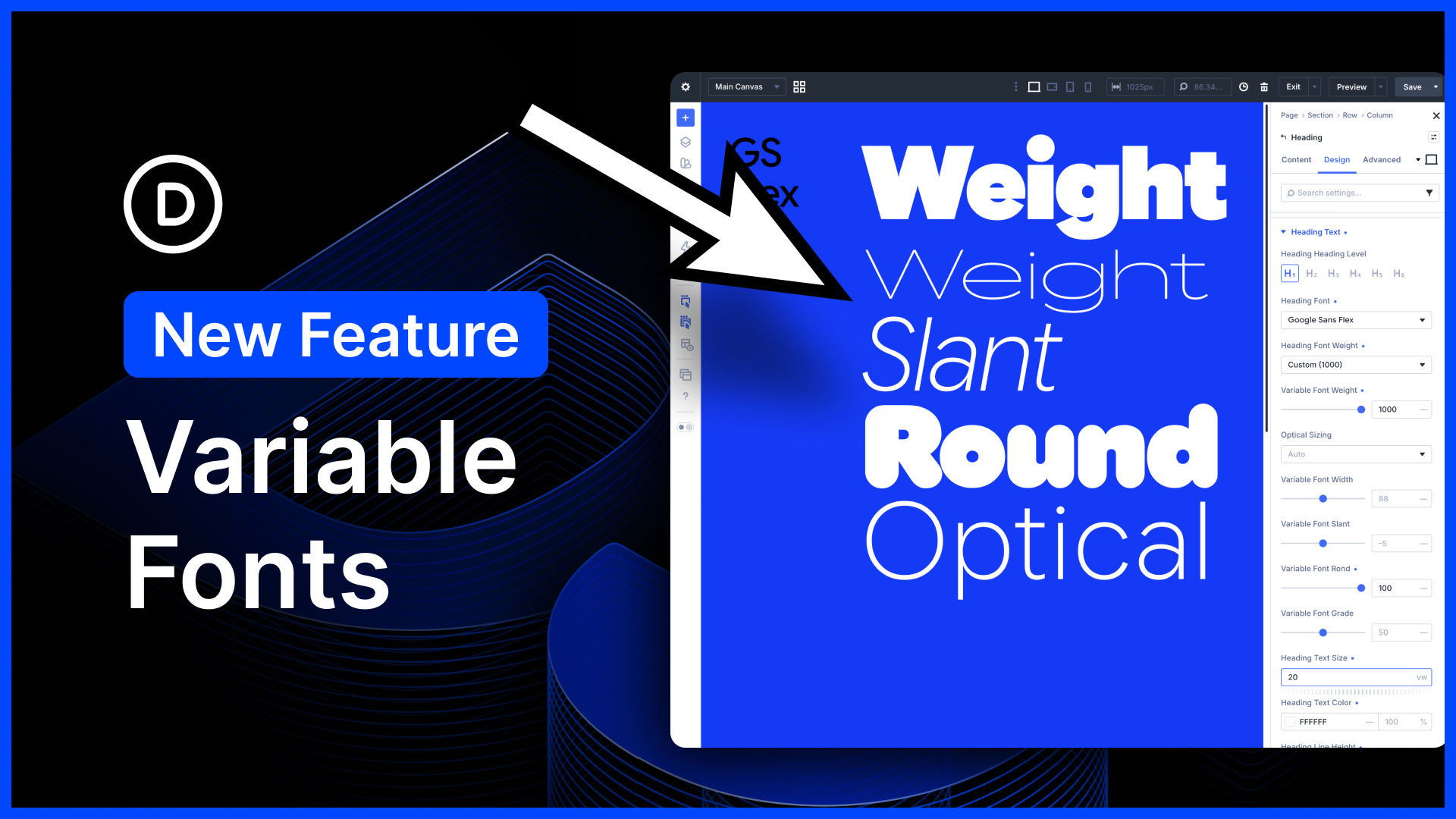
I am excited to announce variable font support and many new text styling options for Divi 5!
Divi 5 now supports the latest Google Fonts collection, including variable fonts and the dozens of new controls they provide. If you aren’t familiar with variable fonts, keep reading because they are amazing.
We also added many new text styling options that allow you to create magazine-style text layouts, style dropcaps, and give you more control over text stroke, spacing, and more. When it comes to typography, Divi 5 now has it all.
There’s much to explore, so let me jump into the builder and give you the full tour. 👇
Variable Fonts and Font Axis
Variable fonts are wonderful. Unlike traditional fonts, they give you fine-tuned control of many things, such as weight, slant, width, height, roundness, shape, and so much more.
Depending on the variable font you choose, Divi will give you a new set of controls, allowing you to make each font your own and smoothly transition between each axis.
New Variable Font Controls
Traditional fonts come with a few variations, such as bold and italic. Variable fonts, on the other hand, are adjustable. Instead of picking from a small subset of variations, you can adjust the font style using new controls that give you wide adjustment ranges.
For example, instead of picking between the thin, regular, medium, and bold font weights, you can slide through a random range of 200-900. That’s 796 new font weights!
But variable fonts give you control over so much more than just weight. Depending on the variable font you choose, you’ll see many new options.



0 Comments