
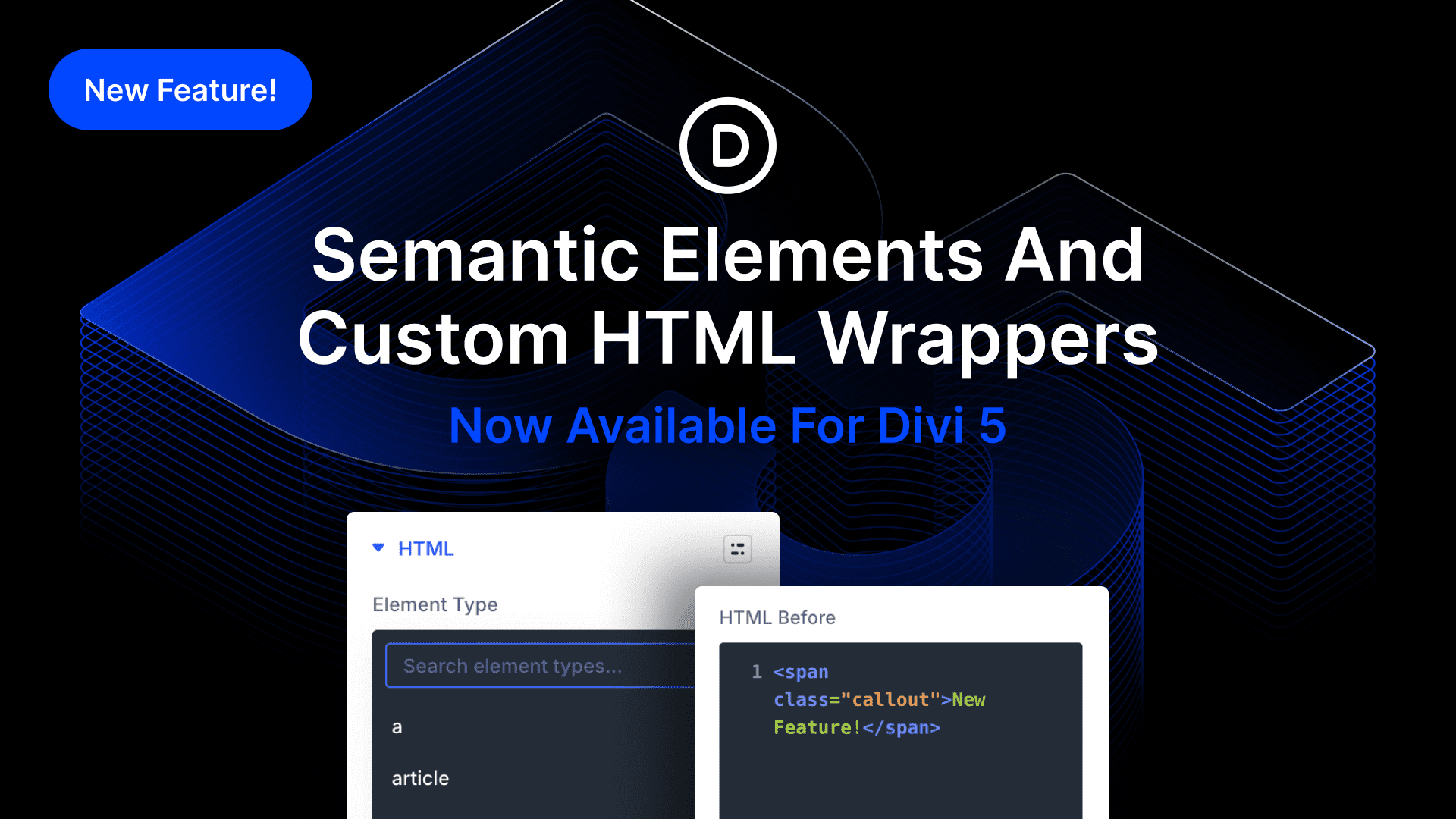
I am excited to introduce Semantic Elements & Custom HTML Wrappers for Divi 5.
Now, you can change the element type of any module and utilize semantic tags like nav, section, header, and button to give inherent meaning to each. It’s important for accessibility and SEO, as it enables screen readers and bots to understand a page’s structure. You can build your own menu using Divi elements and then change the semantic tag to ‘nav’ to inform screen readers of its purpose.
We also added the ability to add custom HTML before and after any element, giving you more freedom to create custom wrappers and inject code into specific areas of the page that a code module can’t access.
Check out the following video to see the new feature in action. 👇
Semantic Elements
You may be familiar with various HTML tags, such as div and span. Each tag has a specific purpose; the a tag is for creating links, the p tag is for holding a paragraph of text, and so on.
HTML5 introduced new tags, including many semantic structural tags such as section, article, header, and footer. Placing content inside these tags gives inherent meaning to your HTML, which means screen readers can identify where your page content begins and where one block of content starts and ends. Furthermore, elements like buttons let screen readers know that something is clickable.
Build Anything With Proper Tags
With Divi 5, you can build anything, with infinitely nested elements, custom interactions, and more. You can create a button from an icon, or even develop your own navigation using text modules and off-canvas custom mega menus.
Now, you can build those custom elements using proper semantic tags; turn the icon into a button, and turn your custom menu into a nav. If you are building a one-page website and not using the Theme Builder, you can group content into semantic sections, such as header, article, and footer, among others.
Every element comes with a new HTML option group in the advanced tab of the settings panels. Select your desired tag from the Element Type menu.


0 Comments